
No Instagram Login
You never type an Instagram password into PVStory, so your account is never attached to a view.

Download a public feed video as an MP4
An Instagram video downloader saves a public feed video as an MP4. Paste the video link or the account that posted it. PVStory (pvstory.me) is not the Instagram app, and it will not fabricate a file when the video is private or the provider is offline.
Public profiles only. No Instagram login. Type a public username (for example natgeo) or paste a story link.
Pick the PVStory tool that matches what you want to open: a live story, a story file, a feed video, a Reel, or a highlight.
 Instagram Story Viewer→Watch public stories without logging in to Instagram
 Instagram Story Downloader→Save a public photo or video story as a file
 Instagram Video Downloader→Download a public feed video as an MP4
 Instagram Reels Downloader→Save a public Reel as a vertical MP4
 Instagram Highlights Viewer→Open the highlights pinned on a public profile
 Instagram Guides→Plain answers about stories, Reels, and privacy
Viewing a public Instagram story with PVStory is quick and simple. Paste a username or link and get the public result in seconds. No login, no app, no invented results.
You never type an Instagram password into PVStory, so your account is never attached to a view.

Files come back in the rendition Instagram serves. PVStory does not re-compress them.

The same form works on iPhone, Android, tablets, and desktop browsers. Nothing to install.

Private accounts and Close Friends stories stay closed. PVStory only reads what is already public.

Everything runs in your browser. No extension, no download manager, no sign-up.

Copy a username or link, paste it into the box, and press the button. That is the whole process.
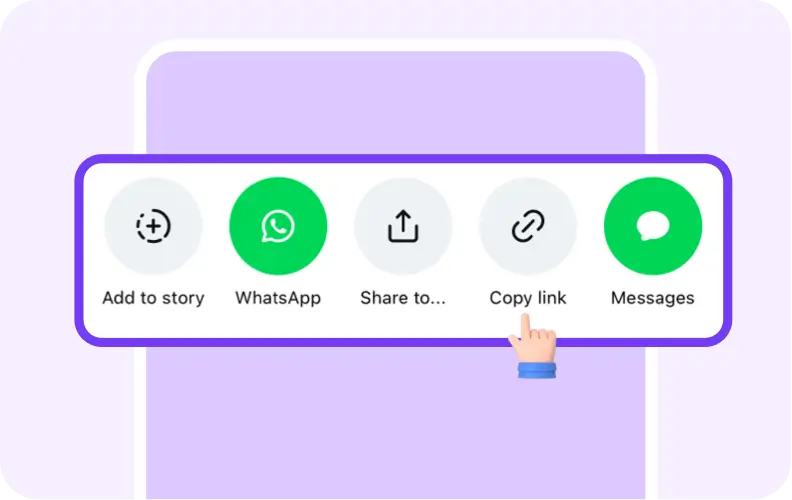
A /p/ link is a feed post. A /reel/ link is a Reel and belongs on the Reels page, though this form will still recognize the code. A bare username lists public video posts the provider can see.
If the account is private, there is no public MP4 to save. A deleted post is the same: the link can look valid and still have no file.
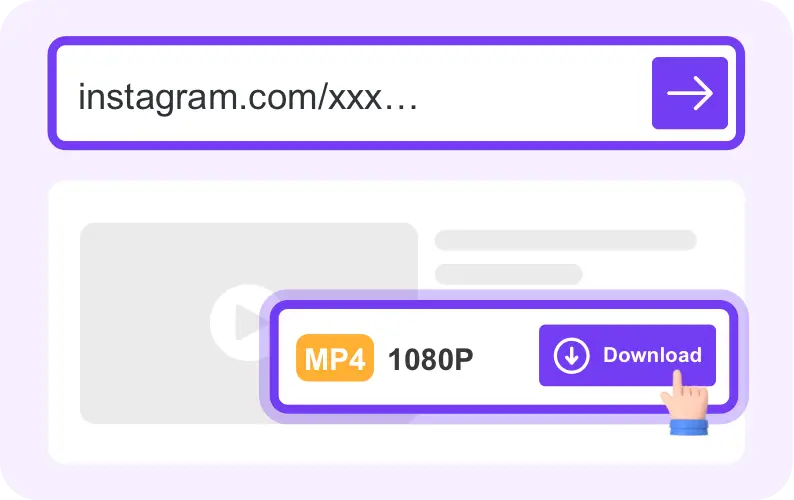
The browser stores the file in its download folder. Rename it with the creator and the date so you can find it later.
Open instagram.com and find the public profile, story, Reel, or post you want.
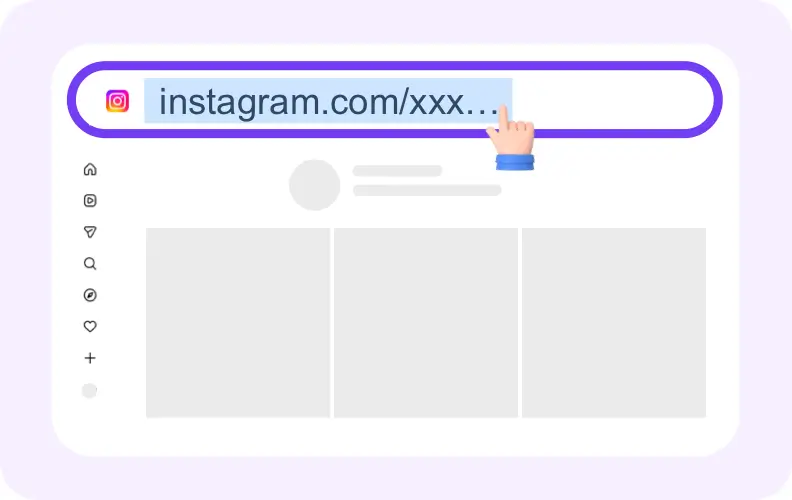
Copy the link from the browser address bar at the top of the page.
Paste it into PVStory and press the button. Watch the result or save the file.
With PVStory you can open almost every kind of public Instagram media: live stories, story files, feed videos, Reels, and highlights. Everything stays public-only.

Save a public feed video as an MP4 to watch later, even offline. Paste the post link, check that the account is public, and download the file in the rendition Instagram serves.

Watch the current public story tray of any public account without an Instagram session. Type a username or paste a profile link, and the stories that are still live open right in your browser. No viewers-list entry, no app.

Keep a public story after the 24 hours run out. Paste the username or the story link and save the photo or video file the provider returns. Licensed music may not travel with the file.

Download a public Reel as a vertical MP4. Paste the Reel link and save the file to your phone or computer. Copyright stays with the creator, so keep it for personal reference.

Read the highlights a public account pinned under its bio, long after the original story left the tray. Open a highlight, watch the frames, or save one as a file.
Instagram has several video shapes that people lump together. A feed video is a post on the profile grid, sometimes with a caption and a cover frame. A Reel is a vertical video on the Reels tab. A story video disappears from the tray in about a day. A live video is a broadcast, and the replay exists only if the owner kept it. This page is for public feed videos. Reels have a dedicated Reels downloader because the links and the covers differ. Story videos belong on the story downloader.
The practical test is the URL. Feed posts use /p/. Reels use /reel/ or /reels/. Stories use /stories/. If you paste a /p/ link, you are in the right place. If you only have a username, you get the public videos the provider can list, not a promise of every upload since the account was created.
A public feed video is stored by Instagram as one or more renditions. A downloader asks for a rendition the provider is allowed to fetch and hands you an MP4. You do not get a project file, separate caption track editor, or the original camera card. The cover image is a still. Some providers return it beside the video, and some only return the MP4. Treat the cover as optional.
Captions typed under the post are text, not part of the picture. Copy the caption while you are allowed to read it if the words matter. Burning a caption into the video would be a new edit, and this tool does not do that.
Feed videos often use a commercial track. Unlike a story sticker, that audio is sometimes mixed into the uploaded file, so the MP4 you save may contain it. Containing it does not give you a license to republish the song or the video. If you did not shoot it and you do not have permission, keep the file offline.
Creators also reuse audio from other Reels. The credit line in the app does not travel as a neat label inside the MP4. If you are a researcher noting a trend, write the account and the date next to the filename yourself.
On a phone, the browser may play the MP4 instead of storing it. Use the download control in the player or the share sheet’s Save option. On Android, a long-press on the result link usually offers a download. On a computer, the file saves directly. None of these steps log you into Instagram.
A screen recording of a feed video is the clumsy version of the same job. It captures the like count and the caption chrome, and it re-encodes the picture. Prefer the MP4. The PC download guide and the phone guides for iPhone and Android walk through the taps without asking you to install a random store app.
Suppose the address is instagram.com/p/AbC123/ and the account is public. You paste the whole URL, not the caption and not the display name in the tab title. The short code is AbC123. The downloader asks for that post. A video post returns an MP4. A photo post returns an image, which is a successful lookup and the wrong format for an edit that expected motion. Carousels can mix both. Save the slide you meant, and do not assume slide one is the video.
Now suppose you only have a username because the link was a preview that expired in chat. Paste the username and read the public video items the provider lists. Open the one whose date and cover you recognize. If the list is long, this is slower than a /p/ link and less precise. When you find the right post, copy its link from the result if one is shown, so the next save does not depend on memory.
A third case is a co-authored post. The same video can appear on two profiles. Either public username can be the right input. The file is still one video with one set of rights, shared by the people in the header, not a free stock clip because two names are on it.
A deleted video, a private account, a typo in the short code, or a provider that is not connected all end in an error or an empty list. PVStory does not swap in a lookalike video. The status line is the result. If you typed a username when you meant a single post, paste the /p/ link instead so you do not have to pick through a grid.
| URL shape | What it is | Page |
|---|---|---|
| /p/code | Feed post | This downloader |
| /reel/code | Reel | Reels downloader |
| /stories/name | Story | Story downloader |
| instagram.com/name | Public profile | Viewer, then the matching tool |
Yes, when the video is public. Paste the link. No Instagram password is required.
Paste a Reel link if you are already here and the form will recognize the code. The Reels downloader is the page written for that format.
Some videos were uploaded silent, and some audio is restricted. If the creator mixed a song into the file, it is often present. A missing track is not something this site reconstructs.
No. A private grid is not a public file source.
Older long-form posts that are still public and still use a video file can be saved the same way as a feed video. Lives that were not saved by the owner have nothing to fetch.
Not as an Instagram view under your username. You still do not gain a license to repost the video.
Then no video is fetched and none is invented. The operator has to connect a data provider before results appear.
No. PVStory (pvstory.me) is independent. It is not Meta, Instagram, or pvstory.com.
