No Instagram Login
You never type an Instagram password into PVStory, so your account is never attached to a view.

Watch public stories without logging in to Instagram
Look up a public username. Stories and highlights open here without an Instagram login.
Private accounts stay closed.
Public profiles only. No Instagram login. Type a public username (for example natgeo) or paste a story link.
Pick the PVStory tool that matches what you want to open: a live story, a story file, a feed video, a Reel, or a highlight.
 Instagram Story Viewer→Watch public stories without logging in to Instagram
 Instagram Story Downloader→Save a public photo or video story as a file
 Instagram Video Downloader→Download a public feed video as an MP4
 Instagram Reels Downloader→Save a public Reel as a vertical MP4
 Instagram Highlights Viewer→Open the highlights pinned on a public profile
 Instagram Guides→Plain answers about stories, Reels, and privacy
Viewing a public Instagram story with PVStory is quick and simple. Paste a username or link and get the public result in seconds. No login, no app, no invented results.
You never type an Instagram password into PVStory, so your account is never attached to a view.

Files come back in the rendition Instagram serves. PVStory does not re-compress them.

The same form works on iPhone, Android, tablets, and desktop browsers. Nothing to install.

Private accounts and Close Friends stories stay closed. PVStory only reads what is already public.

Everything runs in your browser. No extension, no download manager, no sign-up.

Copy a username or link, paste it into the box, and press the button. That is the whole process.
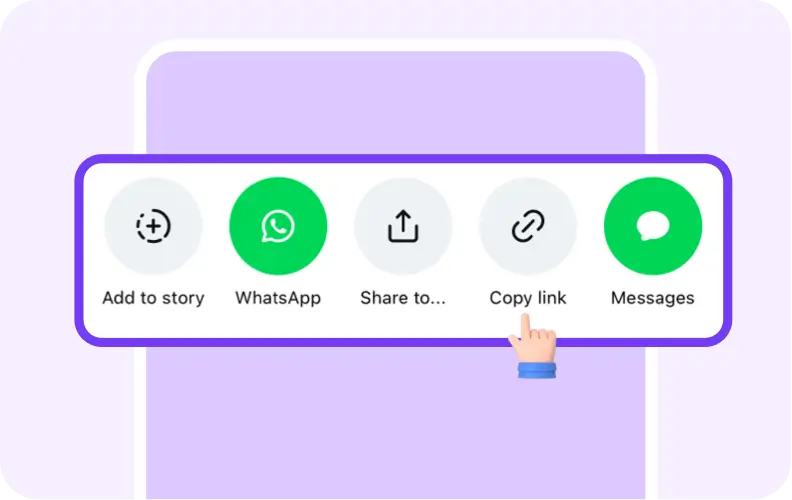
Type the Instagram username, with or without the @, or paste a profile link such as instagram.com/name. A story, Reel, or post link is fine too when you already have the exact URL.
PVStory asks the connected data provider for that public profile only. Private accounts and Close Friends stories are not returned, because those are not public.
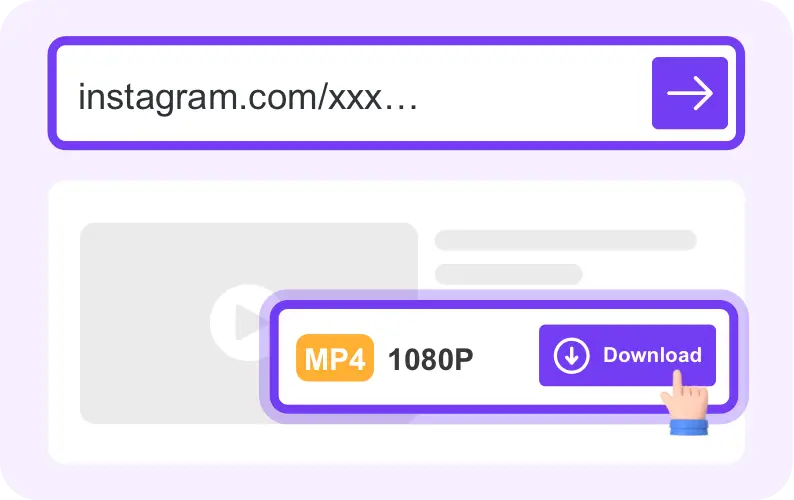
Watch the story in the browser, or move to the downloader when you want a file. If nothing is live, the status line says so instead of inventing a clip.
Open instagram.com and find the public profile, story, Reel, or post you want.
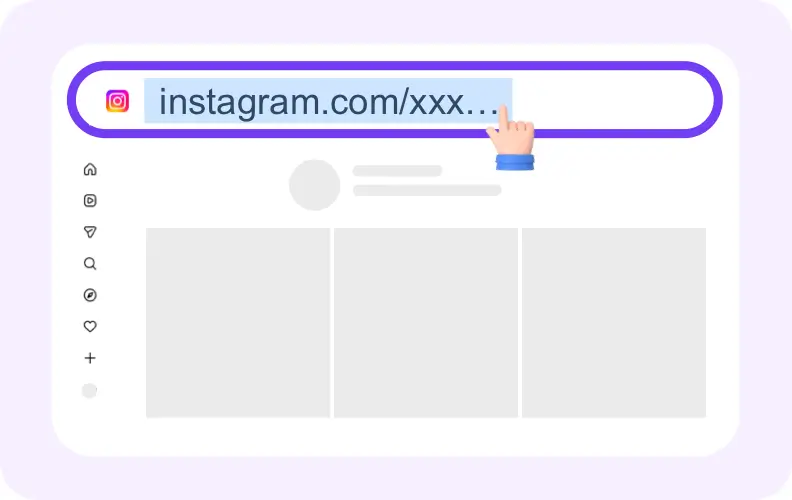
Copy the link from the browser address bar at the top of the page.
Paste it into PVStory and press the button. Watch the result or save the file.
With PVStory you can open almost every kind of public Instagram media: live stories, story files, feed videos, Reels, and highlights. Everything stays public-only.

Watch the current public story tray of any public account without an Instagram session. Type a username or paste a profile link, and the stories that are still live open right in your browser. No viewers-list entry, no app.
Keep a public story after the 24 hours run out. Paste the username or the story link and save the photo or video file the provider returns. Licensed music may not travel with the file.
Save a public feed video as an MP4 to watch later, even offline. Paste the post link, check that the account is public, and download the file in the rendition Instagram serves.
Download a public Reel as a vertical MP4. Paste the Reel link and save the file to your phone or computer. Copyright stays with the creator, so keep it for personal reference.

Read the highlights a public account pinned under its bio, long after the original story left the tray. Open a highlight, watch the frames, or save one as a file.
You can catch a public story a friend sent you in chat even if you deleted Instagram and do not want the app back.
Public stories are time-limited. A viewer is a way to read what a public account posted today without following it from a personal login.
If you posted from a phone you do not have with you, a downloader can save your own public story before the 24 hours end.
Public layouts, type, and pacing are useful references. The copyright still belongs to the person who posted.
Logged-in views are attached to an account. A logged-out lookup is not, which is the whole point of watching anonymously.
No Instagram password is typed into PVStory, so a library or family browser does not keep your login.
An anonymous Instagram story viewer is a website that loads the public story of an account without using your Instagram login. Stories are the full-screen photos and videos that sit in a ring on a profile and leave the active tray about 24 hours after they are posted. Highlights are the exception: the account owner has pinned those frames to the profile so they stay up.
PVStory (pvstory.me) is that kind of site. You give it a public username. It asks a data provider for the public tray and shows the result in the browser. It does not ask for your Instagram password, and it does not create an Instagram session in your name. It is a separate service from pvstory.com and it is not affiliated with Instagram or Meta.
In the Instagram app, the account that posts a story can open a viewers list. If you watch while logged in, your username can appear there, unless you are one of the special cases Instagram already hides, such as a blocked account. The list is about accounts, not about every device on earth.
If no account is attached to the lookup, there is no username to put on that list. That is the practical meaning of anonymous viewing. It does not make you invisible to your internet provider, and it does not hide the request from PVStory’s own server. We do not run an ad network on this page and we do not ask you to create a PVStory account.
Anonymous also does not mean “any account.” A private profile shows stories only to approved followers. Close Friends stories are a tighter list than the public tray. PVStory does not bypass either restriction. If the form comes back empty, the usual reasons are: nothing is live, the account is private, or the username is wrong.
| You have | It expires? | Use |
|---|---|---|
| A public story ring | About 24 hours | This viewer, or the story downloader |
| A highlight circle on the profile | Until the owner removes it | Highlights viewer |
| A Reel | Stays on the Reels tab | Reels downloader |
| A feed video | Stays on the grid | Video downloader |
| A private story or Close Friends frame | Not public | None of these tools |
A public account has chosen to let anyone see the profile, the grid, and the current story. That is the only material this viewer is for. A private account has chosen the opposite. Approving a follower is a decision inside Instagram, and a website you are not logged into cannot honestly claim that approval.
Close Friends is a second gate on an otherwise public account. The green ring is not the normal public tray. Treating it as public would ignore a setting the owner turned on. PVStory will not offer a trick for that ring.
Usernames are not the same as display names. The lookup uses the handle in the profile URL, the part after instagram.com/. Display names and emojis are not usernames. If a pasted link points at a Reel or a single post, the matching downloader is the better tool, but the same public-only rule applies.
Viewing streams the frame for the few seconds you are on the page. Downloading writes a file you can keep after the story leaves the tray. Creators lose the live story after a day unless they add it to highlights or it remains in their private archive, which only they can see in the app. A file you saved is a copy from the moment you saved it. It does not keep updating, and it does not include later text stickers the owner adds.
Music is the part people notice first. A story can use a licensed track. The saved video often arrives silent, or with only the original camera audio, because the music license does not travel with the file. That is a rights limit, not a broken button. The guide to stories with music explains what you can expect before you rely on the sound.
The form is the same on an iPhone, an Android phone, and a desktop browser. You do not install a store app. On a phone, paste the username from Messages or Notes if typing the dots and underscores is fiddly. On a computer, paste the full profile URL from the address bar.
Saving the file is a separate step from viewing it. iPhone and Android hand the file to the browser’s download tray, and from there you can move it into Photos or Files if the browser allows it. A screen recording is the worse fallback: it captures the clock, the buttons, and a softer picture. Prefer a direct file when the provider returns one.
The lookup talks to a data provider that has to be connected by the site operator. Until that provider is in place, the form returns a clear error and stops. It will not fill the page with sample stories, stock usernames, or a fake viewers list. When a result does come back, it is the provider’s public payload, not a guess.
Expired stories that were never saved to highlights are gone from the public tray. Articles that promise a full archive of someone else’s expired stories are describing a different product, and usually a disappointing one. Read expired stories and highlights before you spend time hunting a frame from last month.
Copyright stays with the person who posted. Watching a public story and keeping a private copy for reference are not the same as republishing it, running ads against it, or stripping it into a meme account. If a file of yours is hosted through a provider response and you want it gone, the DMCA and disclaimer page explains where to write.
Not by your Instagram username. The viewers list is built from logged-in accounts. PVStory does not ask you to log in, so there is no account to attach. The site itself still receives the lookup request.
No. The form takes a public username or link. You never type an Instagram password into PVStory.
No. Private stories are for approved followers. This viewer does not send follow requests or use a borrowed login.
Yes, when the frame is public. Open the Instagram story downloader, paste the same username, and save the file the provider returns. Music may be missing from that file.
A normal story leaves the public tray about 24 hours after it is posted. Highlights stay until the owner removes them. The owner’s private archive is not a public library.
No. PVStory at pvstory.me is an independent site. It is not pvstory.com, and it is not operated by Instagram or Meta.
The page is live, but story data is fetched only through a configured provider. Until that is connected, PVStory refuses to invent stories.
Reading what an account has already published to the public is not the same as breaking into a private account. Copyright still applies if you republish the file. Private accounts and Close Friends stay off limits.