
No Instagram Login
You never type an Instagram password into PVStory, so your account is never attached to a view.

Open the highlights pinned on a public profile
An Instagram highlights viewer opens the story frames a public account has pinned under its bio. Highlights outlive the 24-hour tray. PVStory (pvstory.me) reads public highlights only, with no Instagram login and no made-up archive.
Public profiles only. No Instagram login. Type a public username (for example natgeo) or paste a story link.
Pick the PVStory tool that matches what you want to open: a live story, a story file, a feed video, a Reel, or a highlight.
 Instagram Story Viewer→Watch public stories without logging in to Instagram
 Instagram Story Downloader→Save a public photo or video story as a file
 Instagram Video Downloader→Download a public feed video as an MP4
 Instagram Reels Downloader→Save a public Reel as a vertical MP4
 Instagram Highlights Viewer→Open the highlights pinned on a public profile
 Instagram Guides→Plain answers about stories, Reels, and privacy
Viewing a public Instagram story with PVStory is quick and simple. Paste a username or link and get the public result in seconds. No login, no app, no invented results.
You never type an Instagram password into PVStory, so your account is never attached to a view.

Files come back in the rendition Instagram serves. PVStory does not re-compress them.

The same form works on iPhone, Android, tablets, and desktop browsers. Nothing to install.

Private accounts and Close Friends stories stay closed. PVStory only reads what is already public.

Everything runs in your browser. No extension, no download manager, no sign-up.

Copy a username or link, paste it into the box, and press the button. That is the whole process.
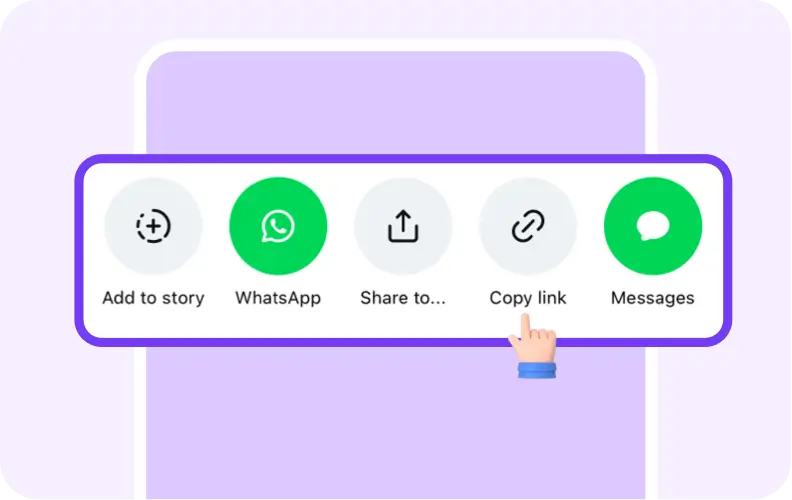
Highlights live on the profile, not in a single /p/ link. The username or the profile URL is the right input.
Each circle is a collection the owner named, such as a trip or a product. Order is the owner’s order, not a secret chronology.
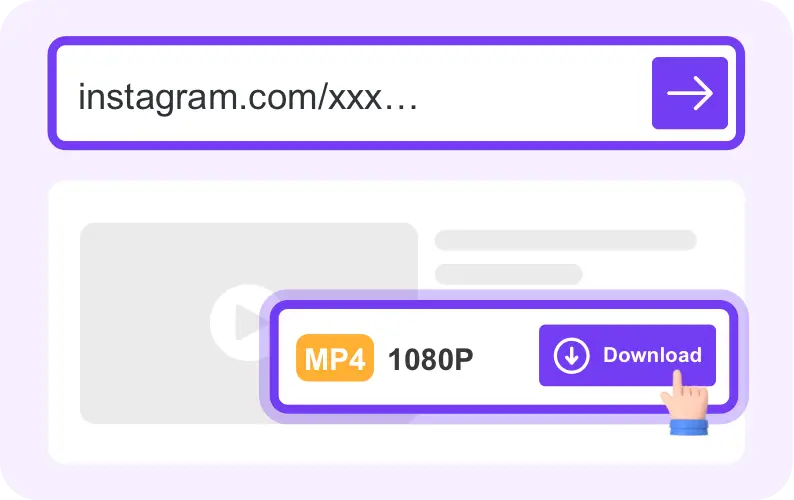
Watch in the browser. If you need a file, the story downloader handles frames that are still public, including pinned ones the provider returns.
Open instagram.com and find the public profile, story, Reel, or post you want.
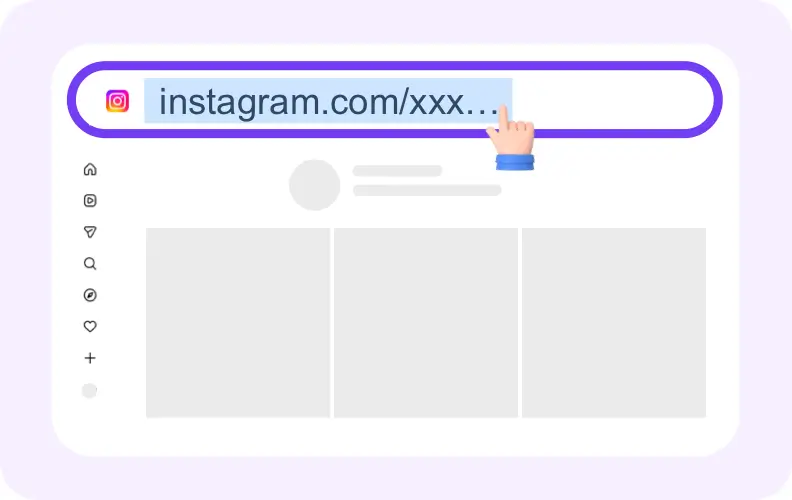
Copy the link from the browser address bar at the top of the page.
Paste it into PVStory and press the button. Watch the result or save the file.
With PVStory you can open almost every kind of public Instagram media: live stories, story files, feed videos, Reels, and highlights. Everything stays public-only.

Read the highlights a public account pinned under its bio, long after the original story left the tray. Open a highlight, watch the frames, or save one as a file.

Watch the current public story tray of any public account without an Instagram session. Type a username or paste a profile link, and the stories that are still live open right in your browser. No viewers-list entry, no app.

Keep a public story after the 24 hours run out. Paste the username or the story link and save the photo or video file the provider returns. Licensed music may not travel with the file.

Save a public feed video as an MP4 to watch later, even offline. Paste the post link, check that the account is public, and download the file in the rendition Instagram serves.

Download a public Reel as a vertical MP4. Paste the Reel link and save the file to your phone or computer. Copyright stays with the creator, so keep it for personal reference.
Highlights are stories the account owner decided to keep on the profile. The same photo or video that would have vanished after a day is copied into a named circle under the bio. The owner picks the cover, the title, and which frames stay. Viewers do not get to reorder that collection or see the frames the owner left out.
That is why a highlights viewer is not an expired-story time machine. It shows what is still pinned. If the owner never pinned the story, the public copy is gone when the tray clears. The private archive inside the app is visible to the owner only. PVStory cannot open it, and the expired stories guide is blunt about that limit on purpose.
The story ring at the top of a profile is the live tray. The circles in a row underneath are highlights. A public account can have a full highlight row and an empty live tray, which is normal on a quiet day. A brand account often keeps “Menu,” “Reviews,” or “Size” highlights long after the original story date.
Watching a highlight anonymously follows the same rule as watching a story. You are not logged in, so your username is not written to a viewers list for that frame. Highlights do not always show a viewers list the way a fresh story does, but the privacy point is unchanged: PVStory never asks for your Instagram password. The story viewer is the page for the live ring. Stay here for the pinned row.
Private accounts can keep highlights too, and those circles are for approved followers. A public website is not an approved follower. Close Friends frames that were never posted to the public tray do not become public just because time passed. Deleted highlights are deleted. A cached screenshot on someone else’s phone is not a highlight PVStory can fetch.
Some accounts pin a highlight and later replace every frame inside it. You see the current contents, not the version from last year, unless those older frames are still in the circle. There is no revision history on this page.
A highlight cover is a thumbnail the owner picked. It might be a frame from the album, a logo, or a plain color with a word. The cover is not a promise that the first frame inside matches it. Open the circle and step through. A “Travel” highlight can hold forty frames. A viewer that only shows the cover has not shown the highlight.
Owners reorder circles to put a launch, a menu, or a portfolio first. The left-most circle is the one they want seen, not the oldest and not the newest. Dates inside the frames, when the provider includes them, are the story dates, which can be months apart inside one circle. Read the date before you cite “yesterday’s” highlight in a piece of reporting.
Some brands delete and recreate a circle with the same title. The title matches and the contents do not. If you saved a frame last week and the circle now starts with a different cover, you are looking at a new edit. Your file is the old edit. Neither PVStory nor the profile will reconcile those versions for you.
Highlight titles are not usernames. Pasting “Menu” into the form does nothing useful. Paste the account handle, then choose the circle. Two accounts can both have a highlight called “Q&A.” The handle is the only stable id. A profile link with a tracking parameter still works if the host is instagram.com and the first path piece is the username. Extra query strings are ignored by the parser.
A highlight shared into a feed post is a new object, a /p/ or /reel/ link, not the circle itself. The circle can still be on the profile after the feed post is deleted, and the feed post can outlive a circle the owner later removes. Save the object you actually need, and keep its link. If someone sends you that post, the video downloader or the Reel page is the better match. The highlights viewer is for the row of circles on the profile.
Viewing is the default. Saving is the story downloader’s job when you need a file of a public frame. The same music limit applies: a licensed song on the original story often does not remain in the MP4. Rename the file with the highlight title while you remember it. The provider’s id will not say “Lisbon trip.”
Republishing a highlight is still a copyright question. Museums, shops, and creators pin highlights as part of a public profile, not as a stock library. Use the file within the permission you actually have.
| Live story | Highlight | |
|---|---|---|
| How long it stays | About 24 hours | Until the owner removes it |
| Where it sits | Profile ring | Named circles under the bio |
| Who arranged it | Posting order | The owner’s album |
| Anonymous view | Yes, if public | Yes, if public |
| Private account | Closed | Closed |
Yes, when the profile is public. Paste the username. No login is required.
Not on a 24-hour clock. They stay until the owner deletes or edits the circle.
No. If it expired and it is not in a highlight, it is not a public highlight.
No. Private highlights are part of the private profile.
A PVStory lookup is not an Instagram login, so it is not attached to your username on a viewers list.
Public frames the provider returns can be saved from the story downloader. You get files, not the owner’s editable album.
That is the order on the profile. PVStory does not sort them by topic.
No. PVStory (pvstory.me) is independent of Instagram, Meta, and pvstory.com.
