
No Instagram Login
You never type an Instagram password into PVStory, so your account is never attached to a view.

Save a public Reel as a vertical MP4
An Instagram Reels downloader saves a public Reel as a vertical MP4. Paste the Reel link or the username. PVStory (pvstory.me) does not ask you to log in, and it does not invent a Reel when the provider has no public file.
Public profiles only. No Instagram login. Type a public username (for example natgeo) or paste a story link.
Pick the PVStory tool that matches what you want to open: a live story, a story file, a feed video, a Reel, or a highlight.
 Instagram Story Viewer→Watch public stories without logging in to Instagram
 Instagram Story Downloader→Save a public photo or video story as a file
 Instagram Video Downloader→Download a public feed video as an MP4
 Instagram Reels Downloader→Save a public Reel as a vertical MP4
 Instagram Highlights Viewer→Open the highlights pinned on a public profile
 Instagram Guides→Plain answers about stories, Reels, and privacy
Viewing a public Instagram story with PVStory is quick and simple. Paste a username or link and get the public result in seconds. No login, no app, no invented results.
You never type an Instagram password into PVStory, so your account is never attached to a view.

Files come back in the rendition Instagram serves. PVStory does not re-compress them.

The same form works on iPhone, Android, tablets, and desktop browsers. Nothing to install.

Private accounts and Close Friends stories stay closed. PVStory only reads what is already public.

Everything runs in your browser. No extension, no download manager, no sign-up.

Copy a username or link, paste it into the box, and press the button. That is the whole process.
Links look like instagram.com/reel/ followed by a short code. A username works when you want the public Reels the provider can list.
A private account’s Reels are not public files. A removed Reel has a dead code and no MP4.
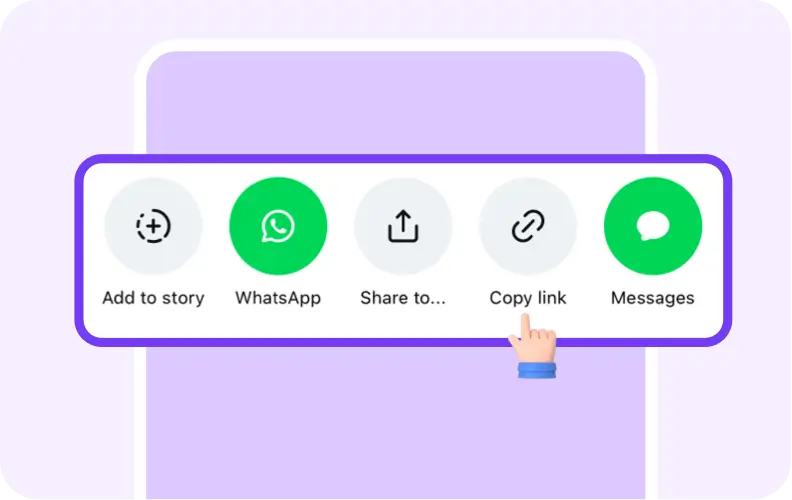
Store the file from the browser. On a phone, use the share sheet if the browser only wants to play it.
Open instagram.com and find the public profile, story, Reel, or post you want.
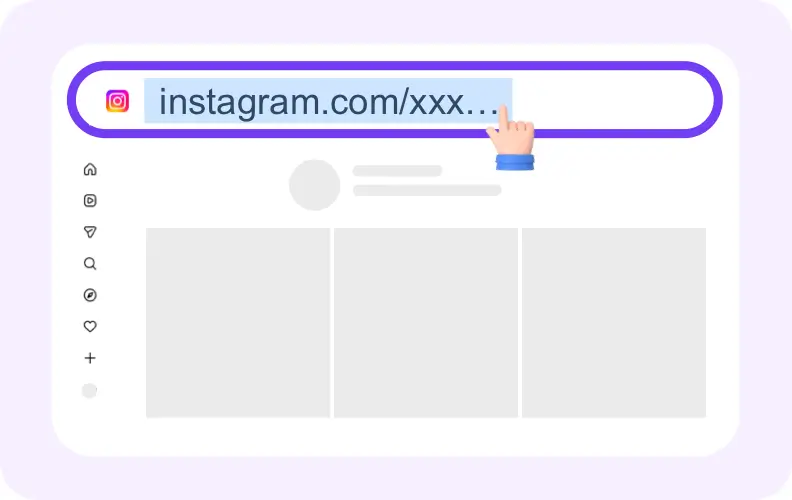
Copy the link from the browser address bar at the top of the page.
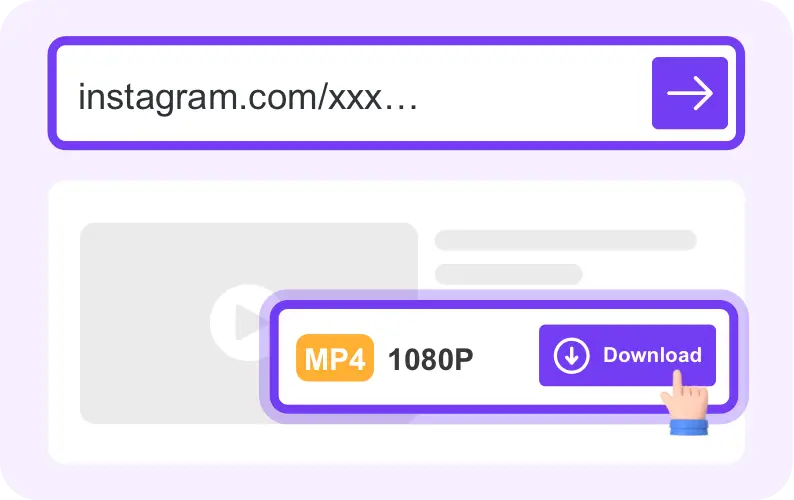
Paste it into PVStory and press the button. Watch the result or save the file.
With PVStory you can open almost every kind of public Instagram media: live stories, story files, feed videos, Reels, and highlights. Everything stays public-only.

Download a public Reel as a vertical MP4. Paste the Reel link and save the file to your phone or computer. Copyright stays with the creator, so keep it for personal reference.

Watch the current public story tray of any public account without an Instagram session. Type a username or paste a profile link, and the stories that are still live open right in your browser. No viewers-list entry, no app.
Keep a public story after the 24 hours run out. Paste the username or the story link and save the photo or video file the provider returns. Licensed music may not travel with the file.
Save a public feed video as an MP4 to watch later, even offline. Paste the post link, check that the account is public, and download the file in the rendition Instagram serves.

Read the highlights a public account pinned under its bio, long after the original story left the tray. Open a highlight, watch the frames, or save one as a file.
A Reel is a vertical video made for the Reels tab. It can run longer than a story, it stays on the account until the owner deletes it, and it is recommended to people who do not follow the creator. That last point is why a Reel you saw once can be hard to find again. The downloader is how you keep a public Reel you are allowed to keep, without scrolling the tab and hoping the same clip returns.
It is not a story. Stories leave the tray in a day. Reels do not. If the link says /stories/, use the story downloader. If it says /p/ and the post is a landscape video on the grid, the video downloader is the closer match. This page expects /reel/.
Reel audio is part of the uploaded video more often than story-sticker music is. The MP4 may include the song, the voiceover, or both. That still does not license the song to you. If the audio is missing, the creator may have uploaded a silent cut or the provider returned a rendition without the mix. PVStory does not dub a new track over someone else’s Reel.
The cover is a still frame the creator picked. It may not be the first frame of the video. Captions, hashtags, and on-screen text the creator typed in the caption box are not burned in unless they designed them into the video itself. Copy the caption separately if you need the wording.
Reels are awkward to save inside the Instagram app unless the creator turned on a download button or you are the creator. Those official saves are the right path for your own Reels. For a public Reel that does not offer that button, a browser download is the straightforward alternative. The iPhone guide and the Android guide cover the share sheet and the download tray. The PC guide is shorter, because a desktop browser just writes the MP4 to Downloads.
Rename the file. Reel codes are not memorable. “studio-tour-2026-11.mp4” will make sense in March. The code will not.
The Reels tab is a recommendation surface. A clip you watched at lunch may not be there at dinner, even though it is still on the creator’s profile. The reliable handle is the link, not the memory of the audio. If you can still open the Reel, copy the link before you do anything else. If you only remember the creator, paste the username and match the cover. If you remember only the song, this tool cannot search by lyrics. Song search is not a public Reel index.
Creators pin Reels and they also hide likes, turn off remixing, or replace the audio later. A file you saved keeps the mix from the moment of the download. A later edit on the profile does not reach into your downloads folder, and your folder does not change the profile. If accuracy matters, note the date you saved it next to the filename.
Instagram experiments with audiences. A trial Reel shown to a slice of people is not a public file just because you saw it while logged in on a friend-of-a-friend account. If a logged-out provider cannot see it, PVStory cannot honestly return it. Remixes and template uses are finished videos with their own authors. Downloading a remix gives you that remix, not the original template project and not permission to mint another copy with the same joke.
Collaborations list more than one account on the Reel. Either public profile may be a valid lookup. Credit in your notes should name the people on the post, especially if you are saving the file for a mood board a client will see. A mood board is still a copy. Commercial reuse needs permission from the people who made the Reel, not a receipt from a downloader. A receipt would only show that a public file was fetched, which is not a rights grant and not a watermark license.
Instagram does not stamp every Reel with a username the way another short-video app does. Some creators add their own handle in the picture. Removing that handle to pass the clip off as yours is a misuse, not a feature. PVStory does not offer a watermark scrubber.
A download is a copy. It does not follow the Reel if the creator later edits the caption, turns comments off, or deletes the post. If the creator deletes it, stop using a public copy you no longer have a reason to hold, and write to the disclaimer contact if a provider response should be reviewed.
| Reel | Story | |
|---|---|---|
| Orientation | Vertical video | Full-screen photo or video |
| Lifetime | Until deleted | About 24 hours, unless pinned |
| Typical link | /reel/code | /stories/username |
| Best PVStory page | This downloader | Story viewer or story downloader |
| Private account | Not fetched | Not fetched |
Yes, when the Reel is public. Paste the link in a browser. No app install and no login.
It includes the mix that was uploaded, when the provider returns that rendition. It does not add a song that was never in the file.
No. Private Reels are not public files.
The provider sometimes returns a poster frame beside the video. Use the video item. A cover alone means the MP4 was not in the response.
Not as a logged-in Instagram view under your name. Reposting the Reel is still subject to the creator’s copyright.
This page is for /reel/ links and the Reels tab. The video downloader is for feed posts. Both refuse private media.
No Reel is fetched and none is invented. Results start only after a data provider is configured.
No. PVStory at pvstory.me is an independent tool. It is not affiliated with Instagram, Meta, or pvstory.com.
